Scripts
Scripts are pre-written messages designed to streamline responses to common inquiries, making it easier for users to communicate effectively. This document outlines the types of scripts available in Carrick Health, how to create them, and how to analyze their usage.
Types of Scripts
There are two primary types of scripts available in Carrick Health:
Shared Scripts: These scripts are accessible to all users who have access to your Carrick account, promoting consistency in responses across the team.
Personal Scripts: These scripts are unique to your individual login, allowing for personalized responses tailored to your specific needs.
Creating a New Script
To view your existing scripts or to create a new one, follow these steps:
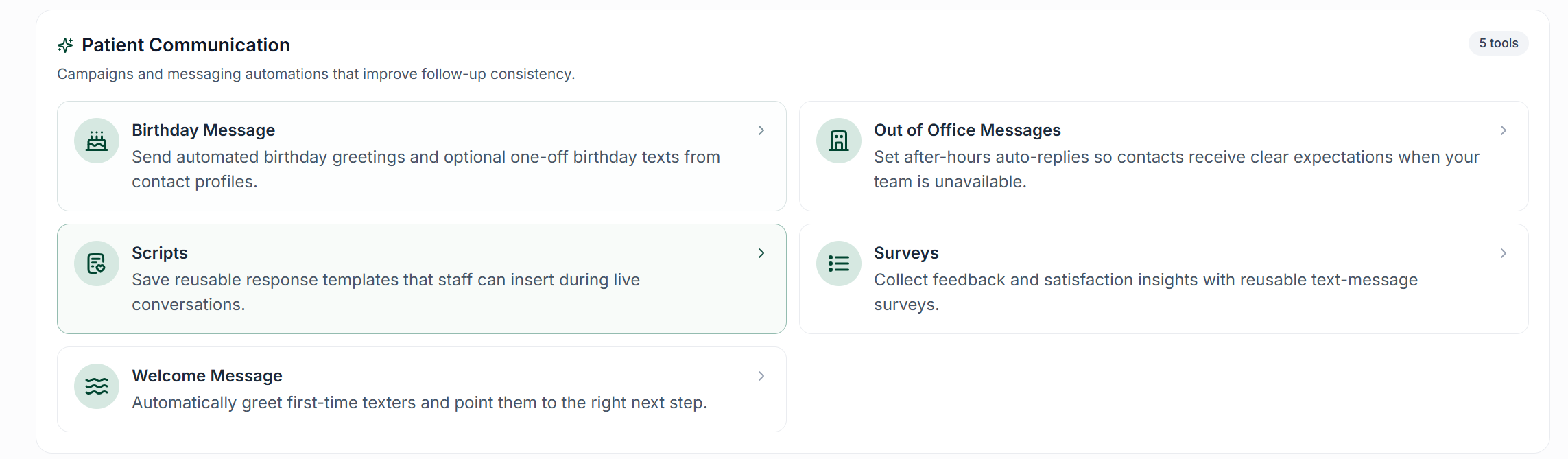
Navigate to the Workflows section of the app using the left-side navigation pane.
Click on the Scripts button.
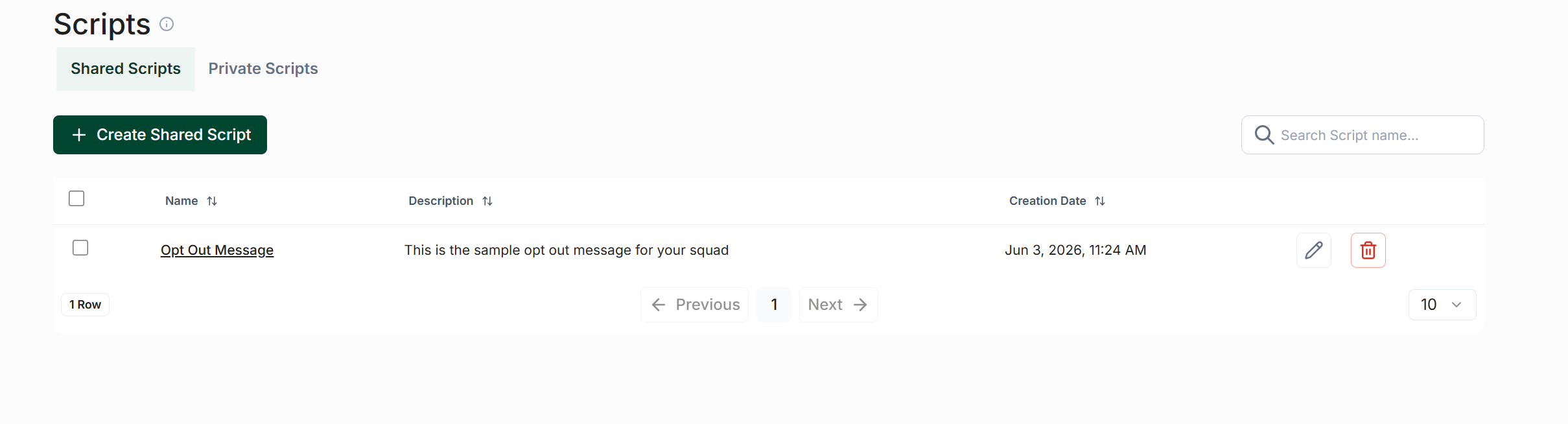
Under the script heading, you will find options to switch between Shared Scripts and My Scripts. Selecting My Scripts will direct you to your personal scripts.
Choose the type of script you wish to create at the top of the page, then click the Create Script button located just below.
Script Composition
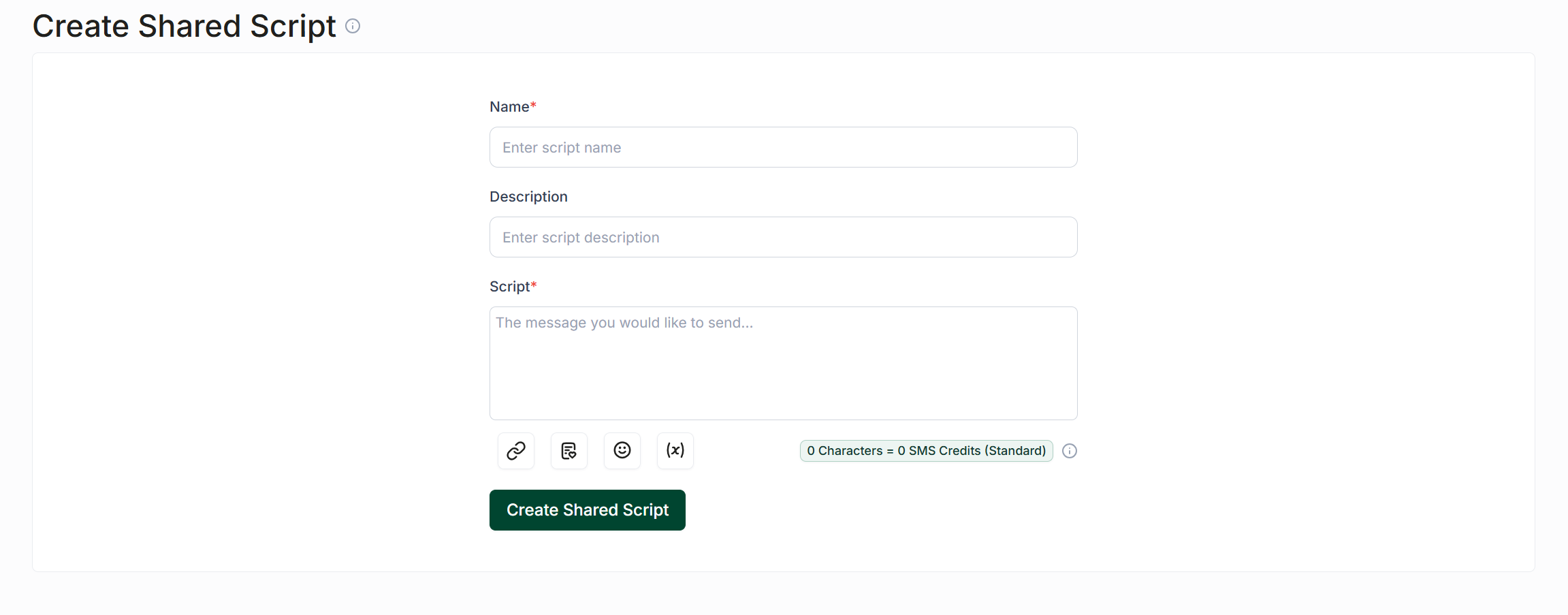
When creating a script, you will need to provide two essential components:
Name: Assign a clear and descriptive name to your script.
Script Content: Compose the message you wish to use.
Below the input box, you will find buttons that allow you to add links, emojis, or template fields to enhance your script.
Once you have completed naming and composing your script, click the Create Script button. Your script will now be available for use throughout the app by clicking the Script button located below any input field.
Analyzing Script Usage
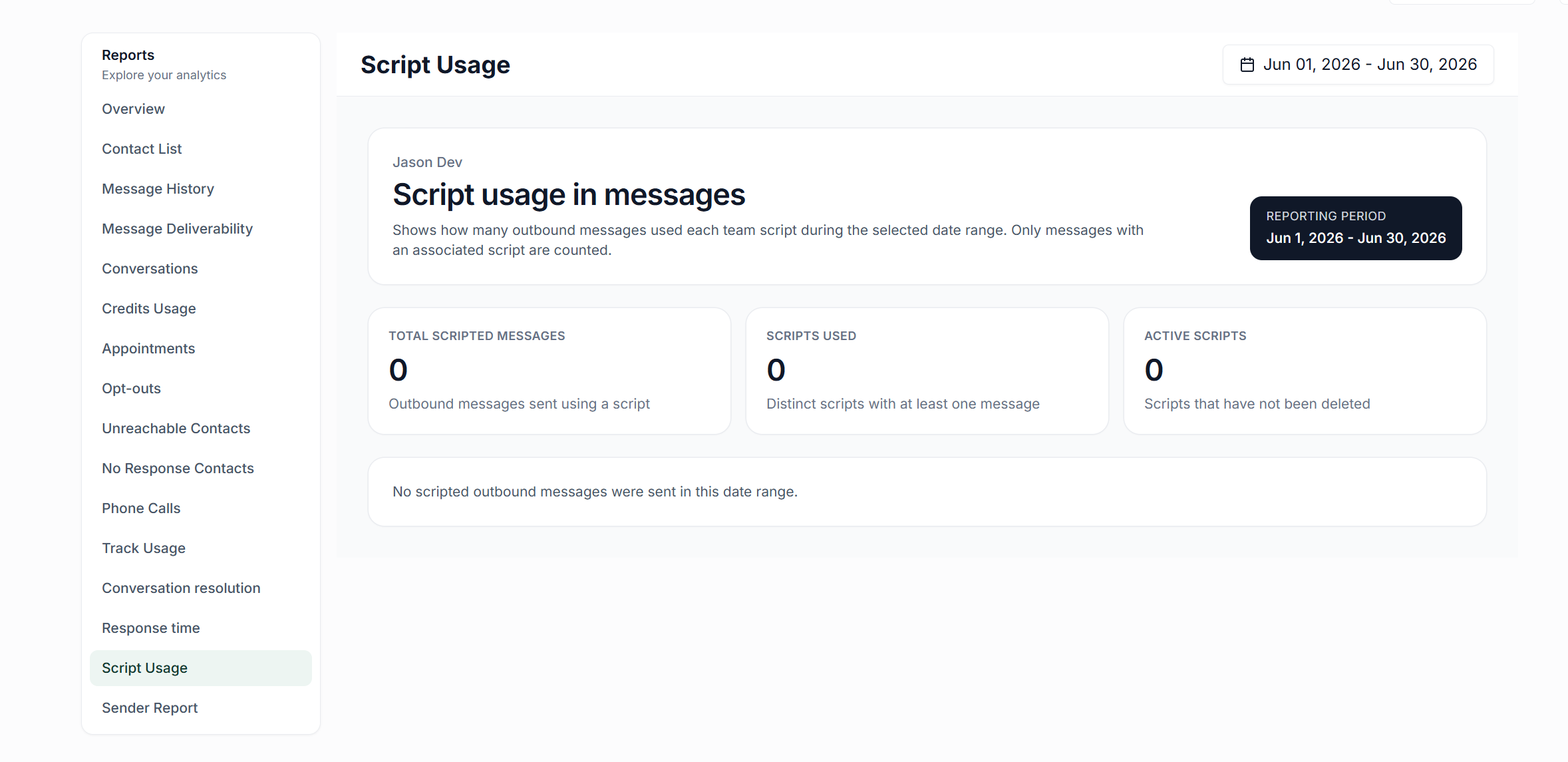
To monitor the effectiveness of your scripts, you can view analytics on script usage. Follow these steps:
Navigate to the Analytics section in the left-hand sidebar.
Scroll down to find Script Usage.
Here, you will be able to see the number of scripted messages sent and the frequency of script usage within a specified reporting period.