
Conversation Bot Steps
Bot Steps are essential components of Conversation Bots, serving as the individual messages that your bot can send when specific triggers are activated. This document outlines the process of creating a bot step, including the necessary components and settings involved.
Creating a Bot Step
Creating a bot step is a structured process that can be broken down into three main components: Conditions, Actions, and Review. To initiate the creation of a bot step, click the + button located at the bottom of an existing step.
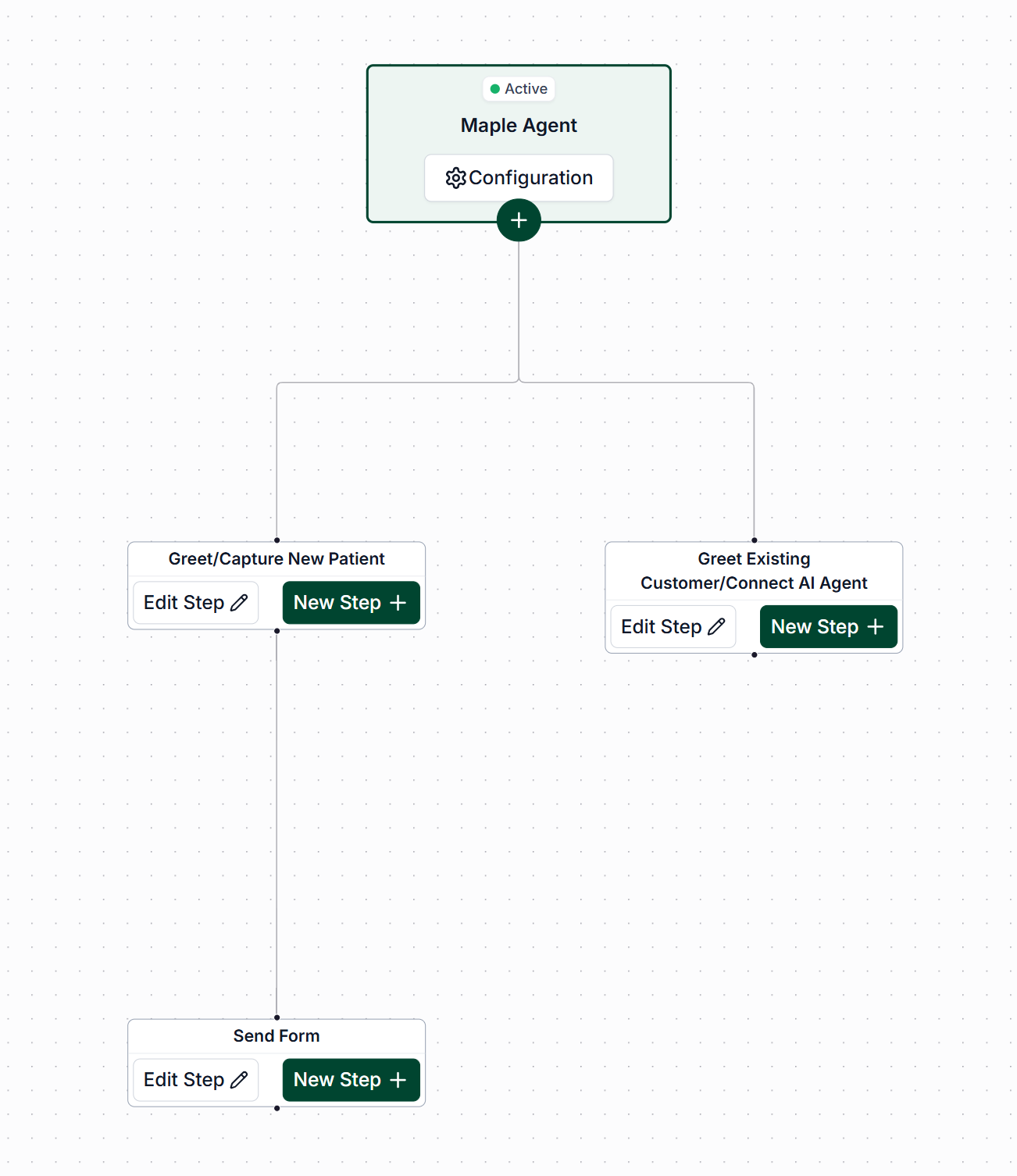
Conditions
The conditions tab is where you will determine how your step will be activated.
The options are as follows:
Contact Condition
Confirmation Condition
Keyword
Tag
Appointment Condition
Message Topic Detection
Selected Available Slot
Proposed Availability
Working Hours
For most bots, the initial step will have a contact condition with the type set to "All".
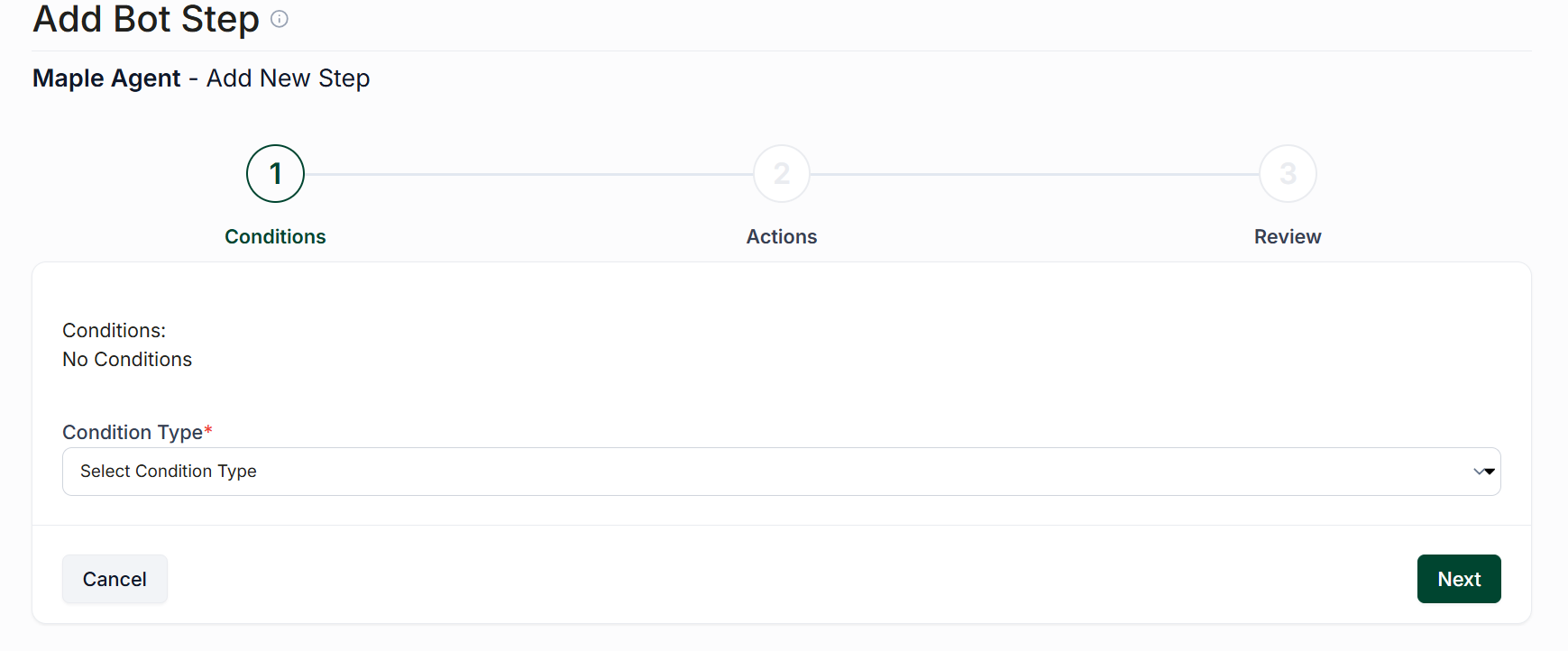
Once you have chosen your condition, click "Next".
Actions
The actions tab is where you will decide what will happen when your conditions are met. You can add as many actions as you like, but it's required that you have at least one.
The options for actions are as follows:
Send Message
Send Availability
FAQ Agent
Apply Tags
Remove Tags
Data Capture
Assign Conversation
Resolve Conversation
Clear Assigned Users
Schedule Outbound Bot
Fallback
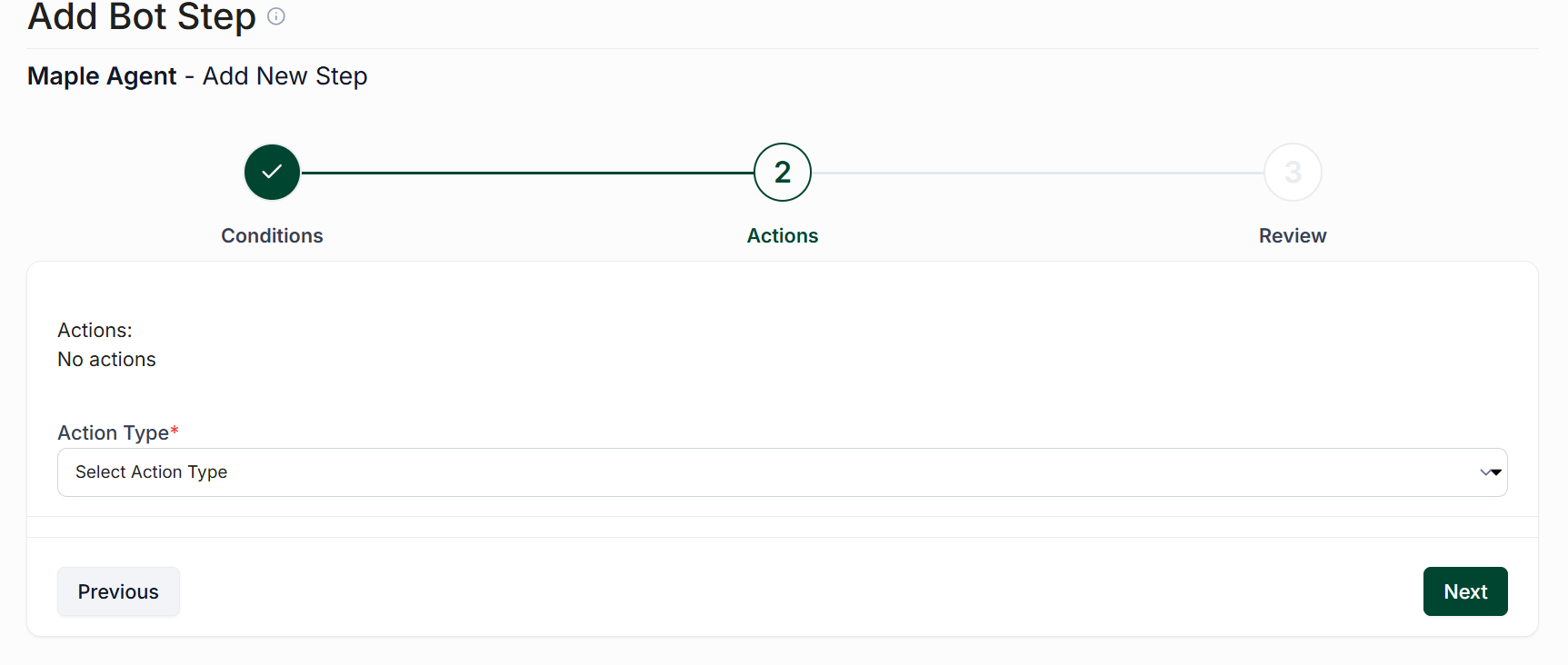
Once you have set your actions, click "Next".
Review
The review screen is where you will set the name for your step.
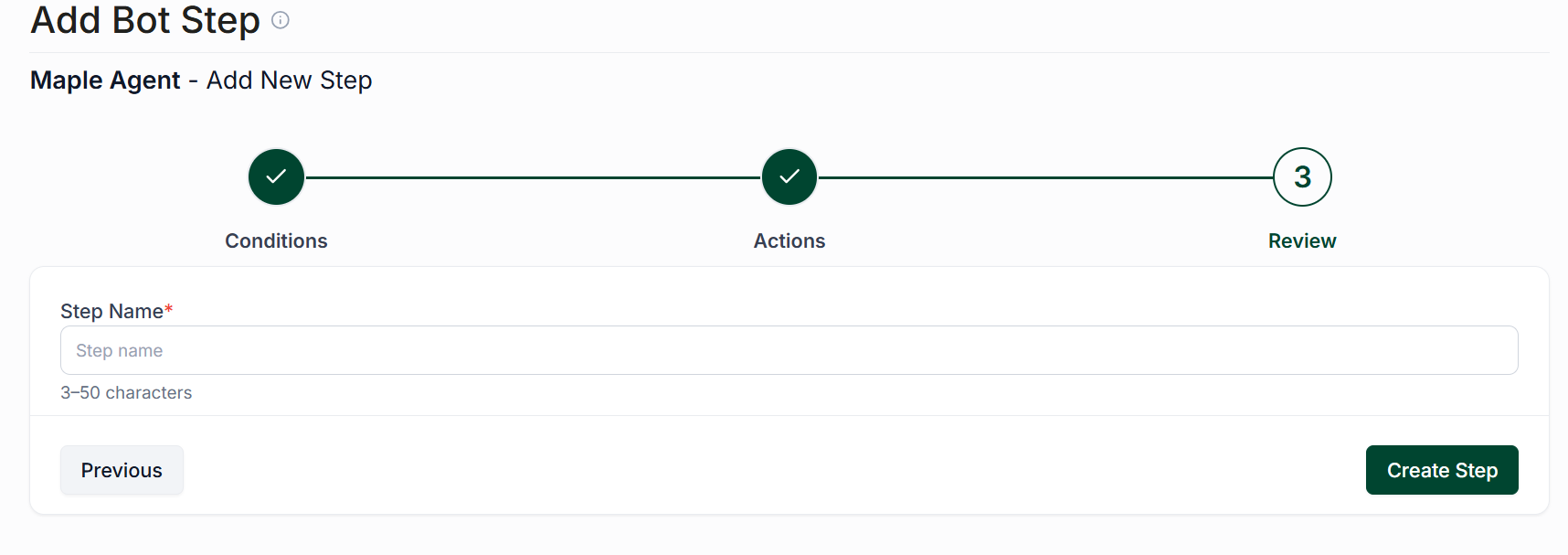
Once entered, click "Create Step" to finalize your decisions.