
Trackable Links
Trackable links are an essential feature within the Carrick Health application, allowing users to monitor engagement through short links that notify you when a contact clicks on them. This document provides a comprehensive guide on how to create and utilize trackable links effectively.
Accessing Trackable Links
To view your existing trackable links or to create a new one, navigate to the Workflows section of the app from the sidebar. Once there, click on the Trackable Links button.
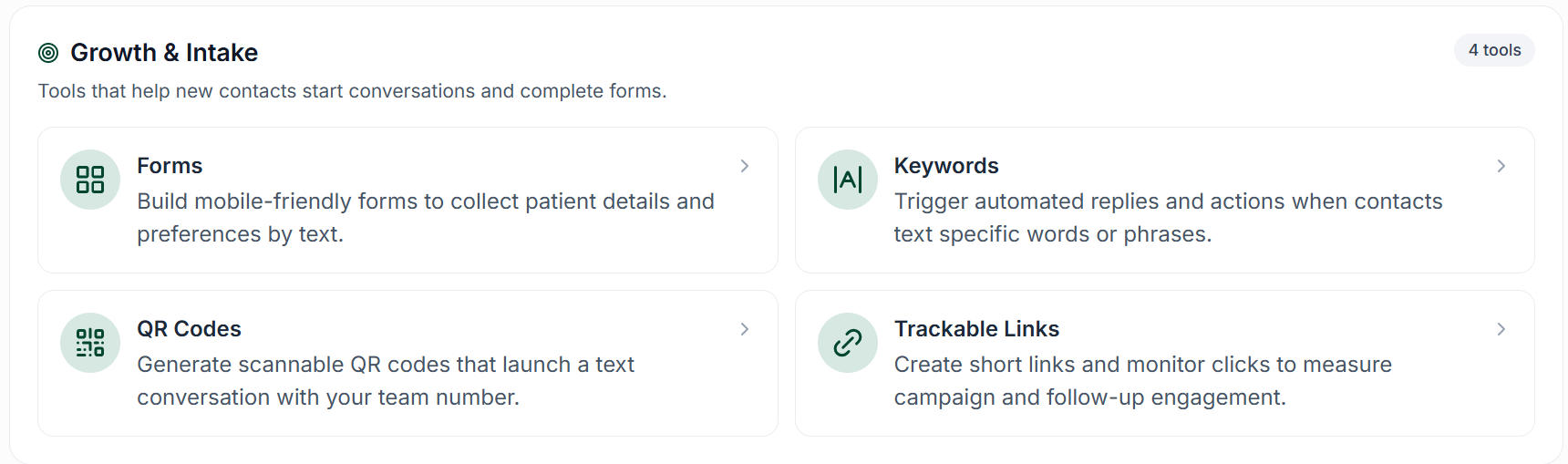
In this section, you will find a list of any links you have previously created, along with the Create Trackable Link button located at the top left of the page.
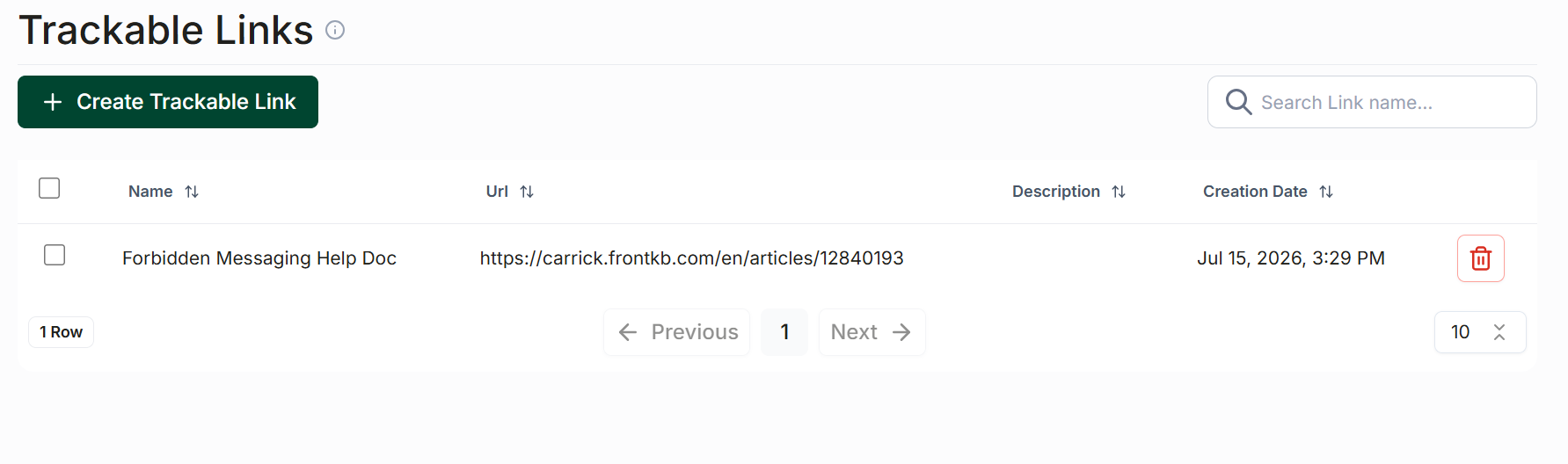
Creating a Trackable Link
To create a new trackable link, follow these steps:
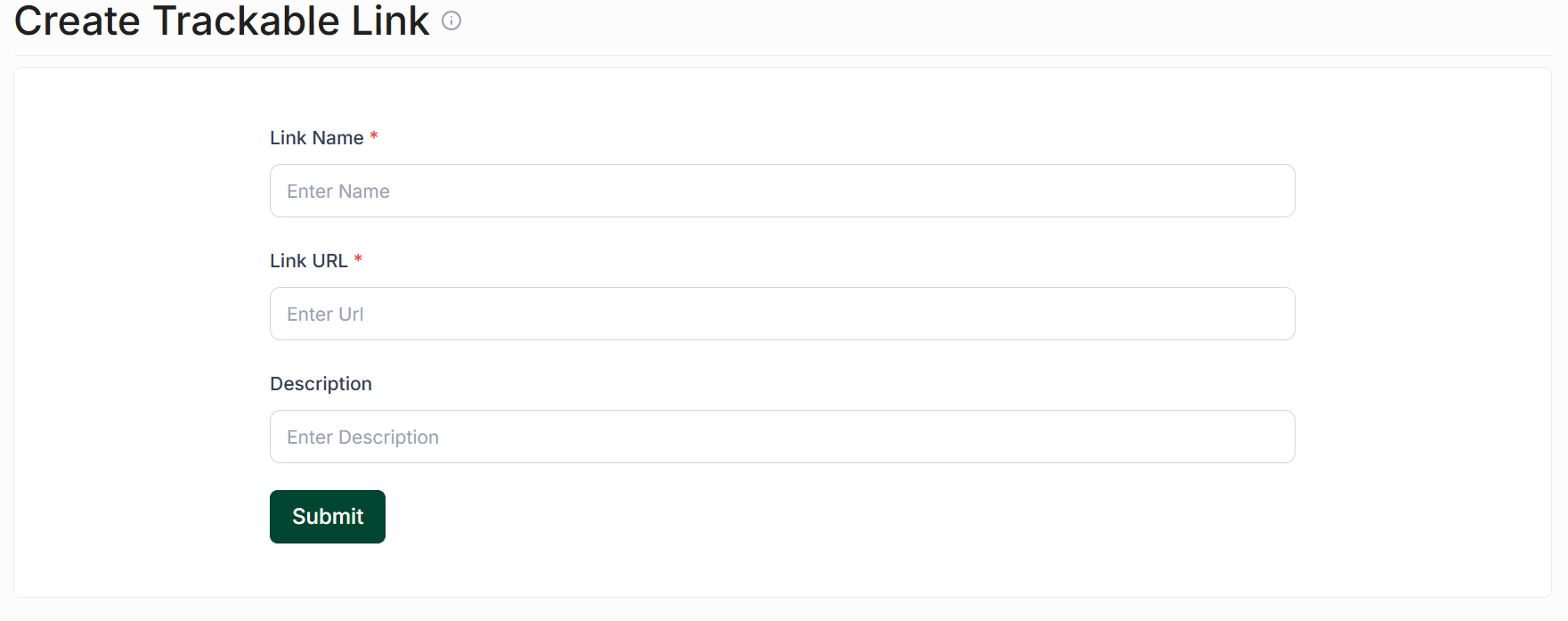
Click the Create Trackable Link button at the top left.
Fill out the link’s name in the designated field.
Enter the actual link in the URL field.
Optionally, you can add a description for your link.
Once you have completed the fields, click Create Link to save it.
Using Trackable Links
To utilize a trackable link, click the chain link icon located below any message input box within the app. This action will open the Trackable Links popup.
Link Options
Within the Trackable Links popup, you have two options for using links:
New Link: Enter a URL and click Create to generate a trackable link for this one-time use only. Please note that this link will not be saved to your trackable links.
Reusable Links: This section displays all the links you have created in the past. Click the Insert Link button to use any of these links in your message.