Updating and Assigning Users in Carrick
Edited
Note that these features are only available for use for admins.
Updating Users
To update users in Carrick, follow the outlined steps:
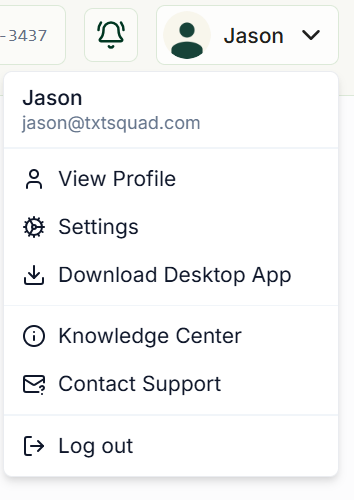
Click on your profile in the top right corner and select "Settings"
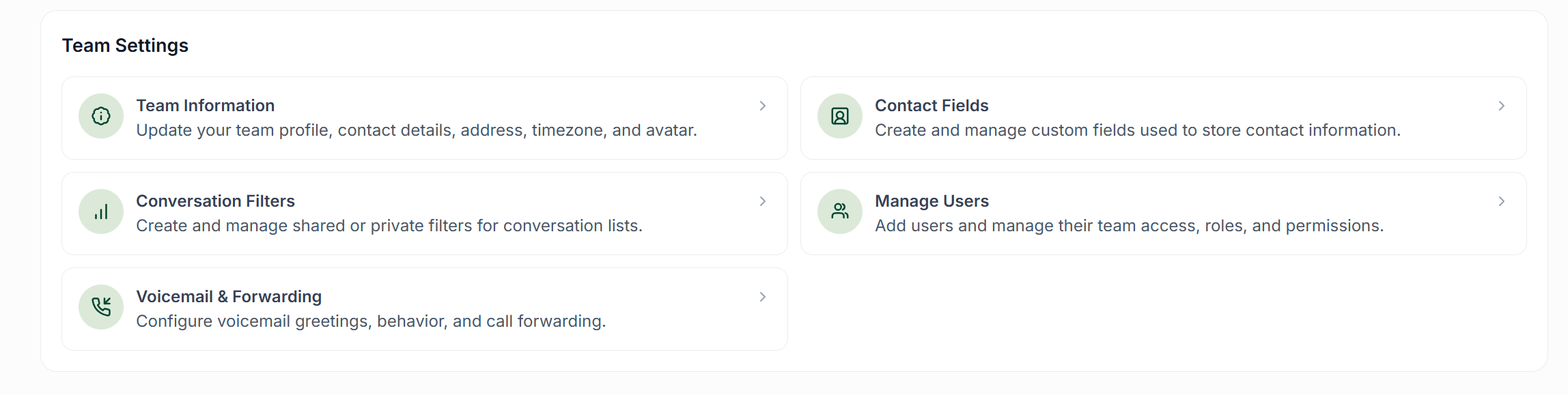
In the "Team Settings" section and click "Manage Users"
Find the user you would like to update and click the pencil icon on the right side of their row

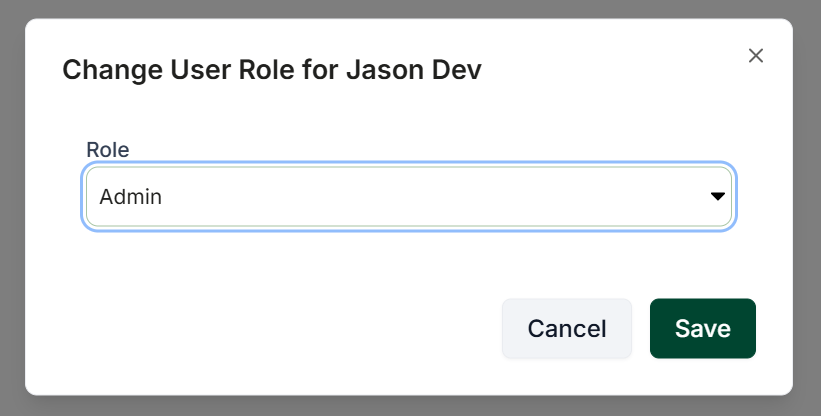
Click "Change Role" and set their new role to whatever you like
Assigning Conversations
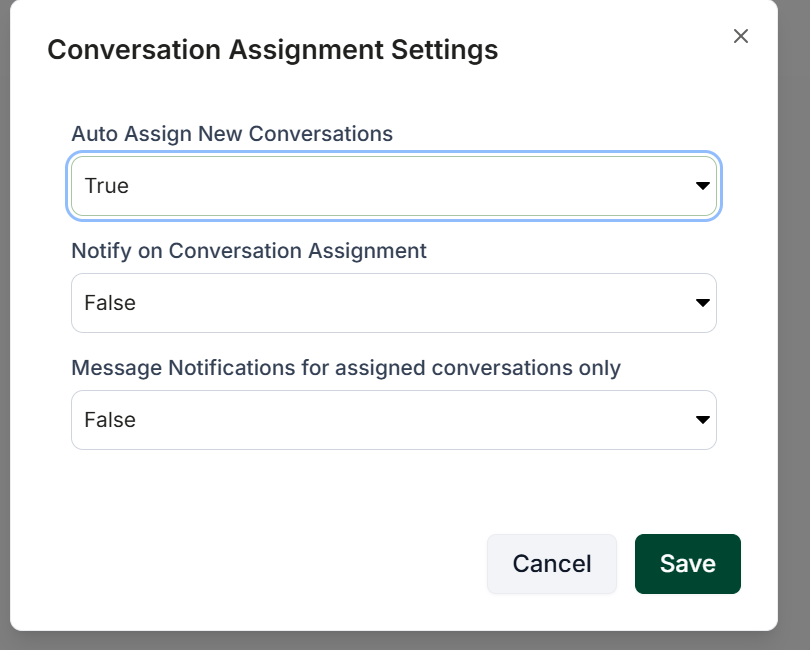
Assigning users to conversations follows the same steps as outlined above, aside from the last step.
Once you have clicked the pencil icon, choose "Conversations Assignment" and select your preferred settings.