Updating Team Info
Edited
Note that these features only apply to admins
To view and update your Team's information, follow these outlined steps:
Click on your profile in the upper right corner and select "Settings"
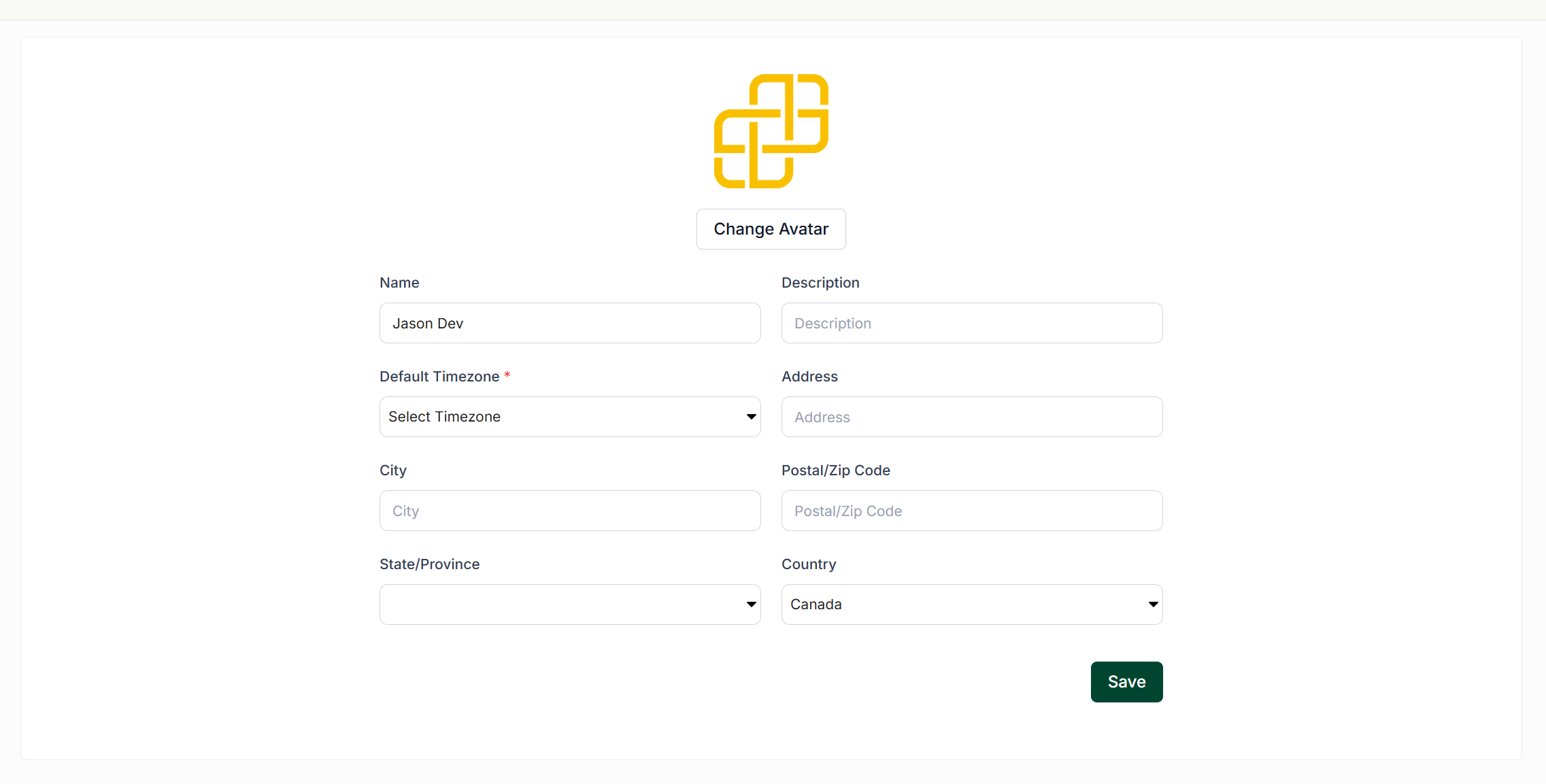
Under the "Team Settings" section select "Team Information" to be shown the following options:
Name
Description
Default Timezone
Address
City
Postal/Zip Code
State/Province
Country
Make your desired updates and click "Save"