Updating Profile Settings
Edited
To view and update your profile settings in Carrick, follow these steps:
Click on your profile icon in the top right and choose "View Profile"
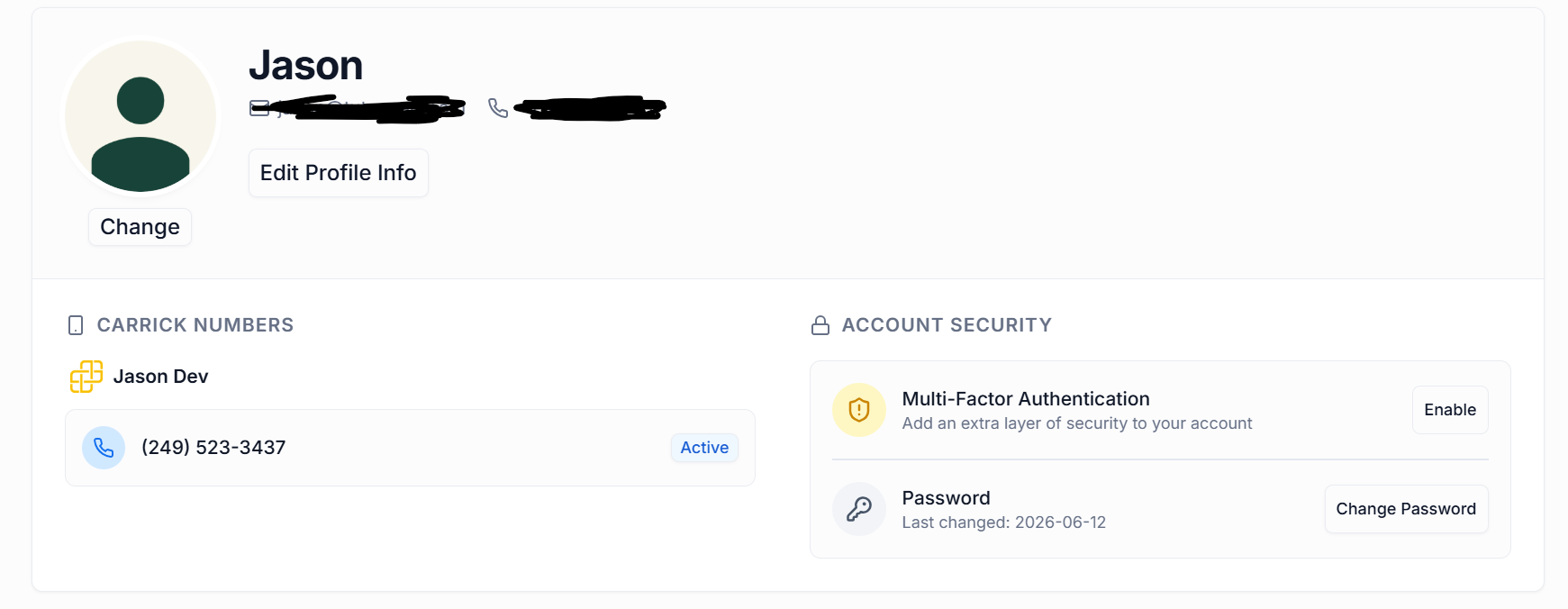
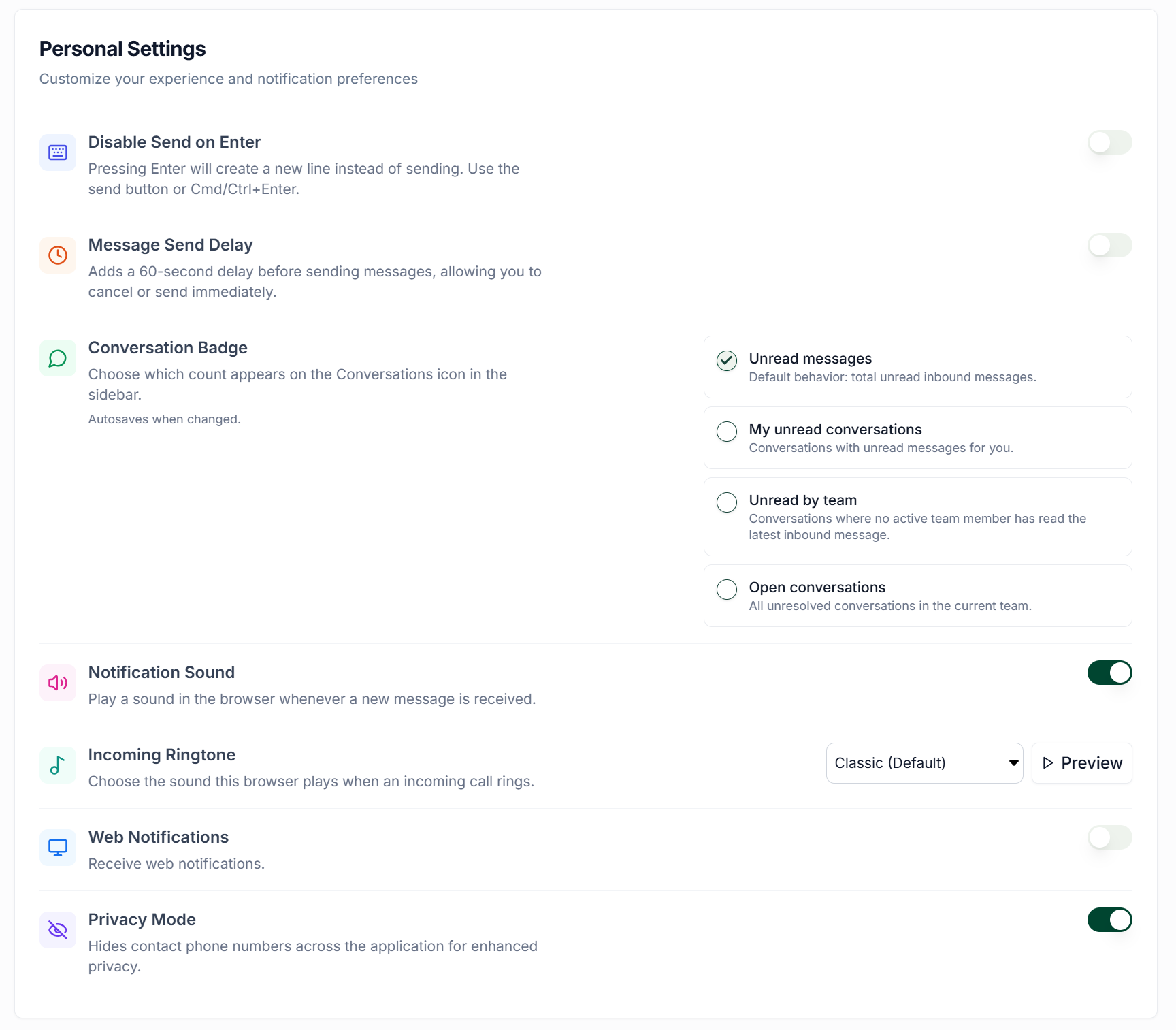
You will be given the following options
Change Profile Photo
Edit Profile Info
Enable Multi-Factor Authentication
Change Password
Disable Send on Enter
Message Send Delay
Conversation Badges
Notification Sound
Incoming Ringtone
Enable Web Notifications
Enable Private Mode
Make your required changes and they will be saved automatically